








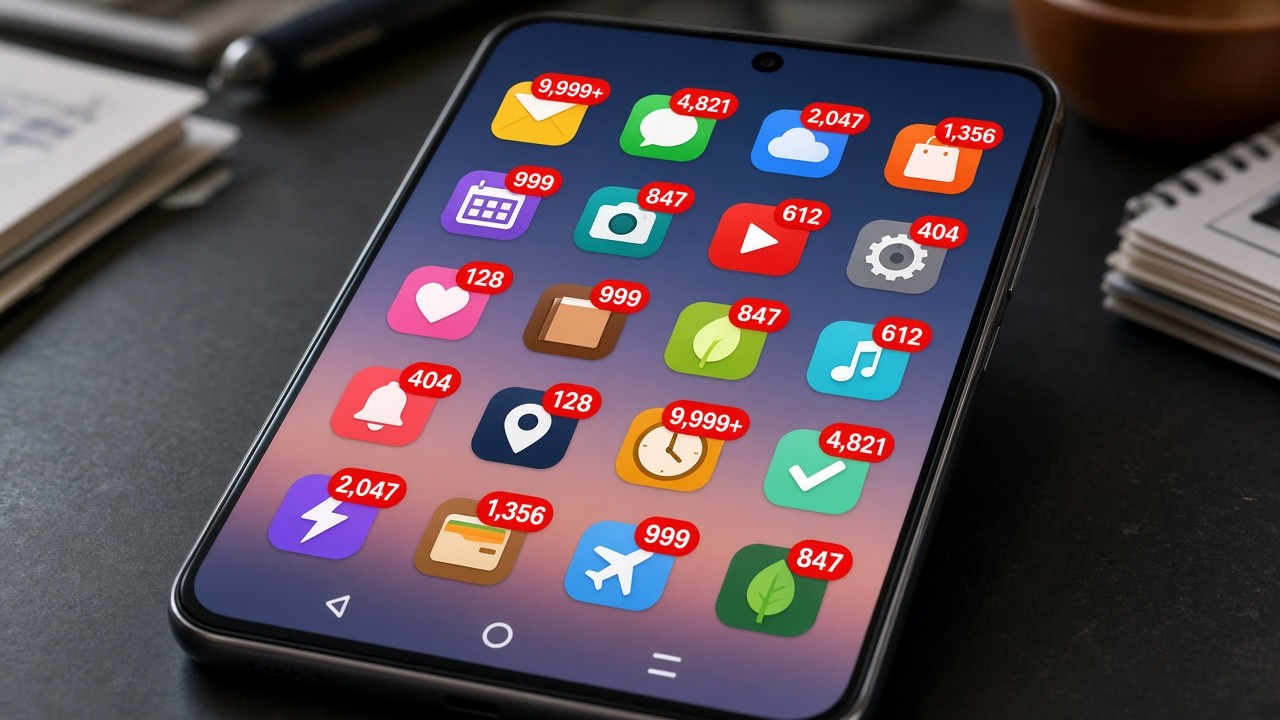
The number of red notifications on my Home Screen is stupid. Little badges stacked on app after app, counting things I already know are waiting and things I don’t have time to deal with one by one. There are plenty of apps where getting those numbers to go away takes time and effort. I don’t want to do that. I also don’t want to turn the badges off completely. There needs to be a middle option.
A mandatory Mark All Read control in every app that uses badges would solve this. A system-level clear for the badges themselves would work too. Android’s notification shade already has a Clear all button that handles this kind of problem at the system level, and that’s a better idea than what I get on an iPhone.
The badges don’t clear themselves
Apple’s red circles are supposed to be useful. Apple’s own documentation says that when badges are on, an app icon can show information, like the number of unread emails over the Mail icon. In practice, those numbers just pile up.
On an iPhone or iPad, there is no system-wide button that marks everything as read or wipes the badges off the Home Screen. Notification Center will let you clear the notification history — Apple’s instructions are to tap the Close button, then tap Clear — but that is not the same thing as clearing the red numbers on the icons. A lot of badges track unread items inside the app, not the banners you already swiped away. So you open the app, hunt for a way to clear or mark things read, and hope the number finally drops. Then you do it again in the next app. That’s the chore.
Turning them off is too blunt
Yes, you can hide the numbers. In Settings, under Notifications, you can open an app and turn off Badges while leaving the rest of its alerts on. Apple documents that switch. What you cannot do is flip one switch for every app. As Tom’s Guide put it, “there’s no way to disable iPhone badges universally.” You go app by app. (Tom’s Guide)
That’s not the option I want. I still want a badge when something new comes in. I just don’t want a Home Screen that looks like a scoreboard I have to settle by hand, and I don’t want to give up the feature entirely to make the red go away.
Android already has a system-level clear
Android’s notification shade has a Clear all control. Google’s own help page says you scroll to the bottom of your notifications and tap it, and that dismisses the notifications in the shade. Some ongoing ones, like a music player that’s still playing, may not clear until they’re done.
That matters for the icons too, with one important caveat. Since Android 8, the official notification dots on supported launchers appear when an app has an active notification. Clear those notifications, and those dots usually go with them. That’s the system-level reset I wish I had for badges.
It is not a magical Mark All Read for the content inside every app. Clearing the shade dismisses the notifications. It does not necessarily mark messages or emails as read. Some apps and launchers also keep their own unread counts that aren’t tied to the shade, so those can stick around. Even with those limits, one button that clears the pile is still more useful than opening app after app on iOS.
What should change
Apple should require a Mark All Read — or an equivalent clear — in every app that puts a number on its icon. And it should offer a system-level way to clear Home Screen badges, the way Android lets you clear the notification shade. Keep the badges on. Just give me a way to reset them without turning the feature off or grinding through every app.
Bottom line
I don’t want to ignore everything, and I don’t want to spend my time deleting leftover alerts one app at a time. I want an intermediate. A mandatory Mark All Read, or a system-level clear for the badges, would solve this. The number of red notifications is stupid. Clearing them shouldn’t be a project.