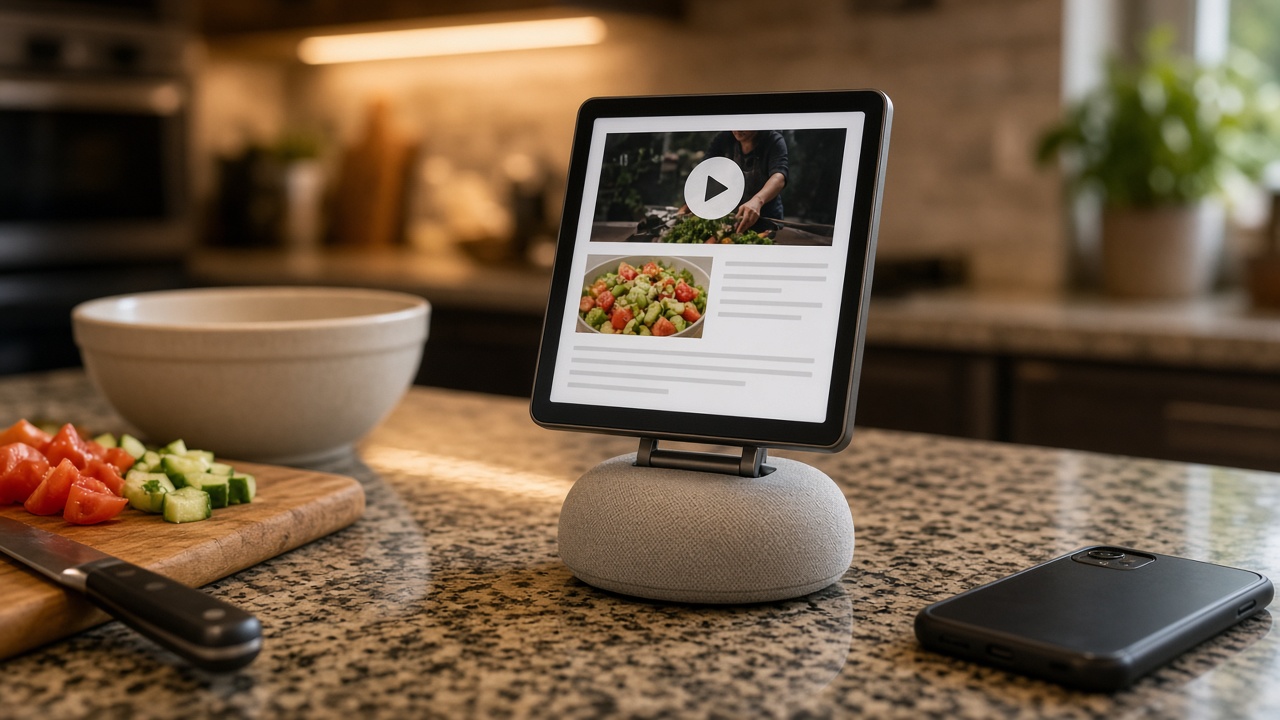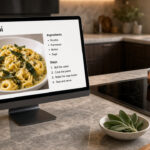








We use Paprika Recipe Manager every single day. Not once in a while. Every day. It lives on the touch-screen all-in-one PC on our kitchen counter, and it lives on our phones, and it syncs between them. When I add a recipe or check something off the grocery list in one place, it’s waiting in the other. That sounds simple. It is also, after years of cooking this way, the whole reason we haven’t switched.
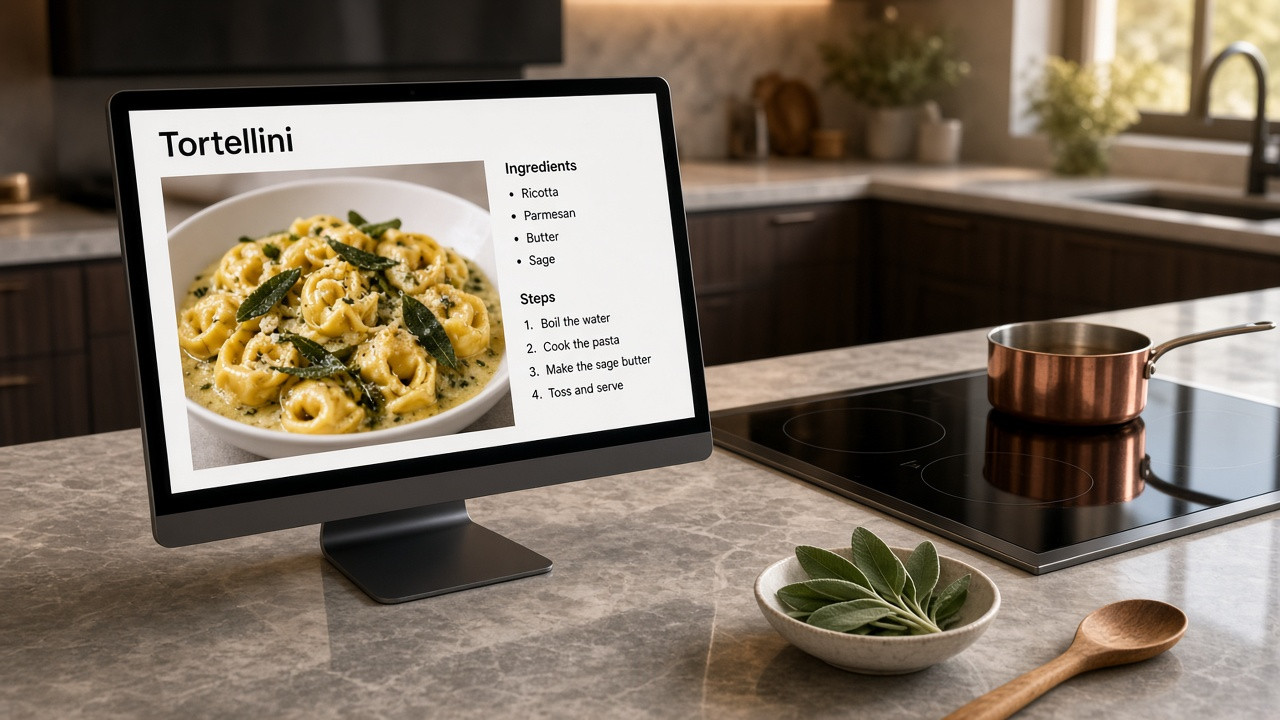
A kitchen computer is only useful if it can run the app you actually cook from. Ours can. We leave Paprika up on that screen, walk up to it, and tap through a recipe while something is already on the cooktop. The phone is what we carry to the store. Same library, same lists, no juggling between apps.
Version 4, without the usual upgrade trap
Paprika 4 came out on November 6, 2026, for iOS, macOS, Android, and Windows. It’s a real upgrade. The interface is refreshed. There’s a cook mode for working through a recipe step by step, cookbooks for organizing the collection, separate pantry locations for the fridge, freezer, and cupboard, a better advanced search, and a duplicate finder. And on Windows, the thing a lot of us had been waiting for finally showed up: dark mode. Paprika can follow your Windows light or dark appearance, or you can set the theme yourself.
Version 4 also adds a premium subscription. Some of the new features sit behind it: importing recipes from TikTok, Instagram, Facebook, and YouTube; scanning a cookbook page or recipe card; family accounts; barcode scanning; nutrition labels; category suggestions; calendar feeds; clipboard importing; Alexa integration; and sending recipes directly to other Paprika users. According to Hindsight Labs’ announcement, Paprika 4 Premium is $14.99 a year in the U.S. (with a 7-day free trial), and existing users can get it for $9.99 a year. Prices can vary by region.
I think the yearly fee is a bit high. I’m not going to pretend otherwise.
Here’s the part that sold me on how they handled this. If you already bought a previous version of Paprika, you are not locked out of Version 4 for refusing to subscribe. You get a free upgrade to the standard version: unlimited recipes, cloud sync across your devices, the new interface, cook mode, cookbooks, pantry locations, advanced search, the duplicate finder, and the Windows dark mode. You also keep the features you already had in Paprika 3. Premium is optional. They keep letting you use the app with your previous license, without paying again.
That is rarer than it should be. Most companies would have used a major version as an excuse to turn a one-time purchase into a paywall. Paprika added a subscription, and then did the decent thing anyway.
It’s a great program
I can nitpick the price of the new unlockable features and still mean this next sentence completely: Paprika is a great program, and we use it every single day. If you cook at home and want your recipes on a kitchen screen and in your pocket, start at paprikaapp.com.