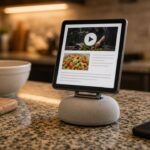







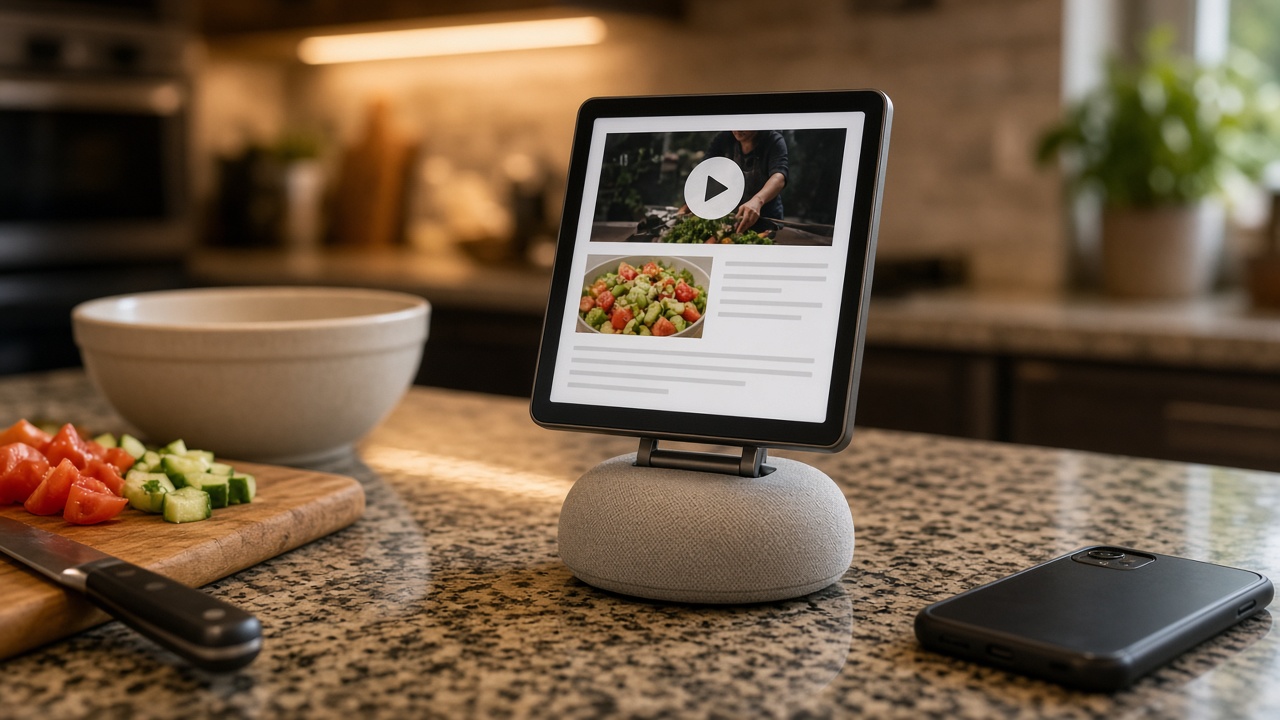
Apple finally made the thing a lot of us have wanted for years: a screen for the kitchen counter. It’s called HomeView (one word, and no, it’s not “HomePad” or “homeOS” like the rumors said). It has a 7-inch square display, a speaker base, Siri AI, and a $299 price tag, and it starts shipping November 13. (apple) Apple’s own press release literally calls it “the perfect addition to a kitchen counter.”
Great. So what’s the number one thing people do with a screen in the kitchen? They watch YouTube while they cook. And HomeView doesn’t have a YouTube app.
No App Store, so no YouTube
HomeView has no App Store. What you get is a list of built-in Apple apps: Alarms, Calendar, FaceTime, Find My, Home, Intercom, Messages, Music, Podcasts, Reminders, Safari, Settings, Timers, Weather, and World Clock. (apple) Third-party apps only show up if they run on your iPhone and support CarPlay. Not a HomeView app. A CarPlay app. (macrumors)
Apple’s CarPlay developer guide spells it out: CarPlay audio and video apps “also work on Apple HomeView” with no changes. (apple) That’s how Spotify gets in. The app actually runs on the phone, and HomeView basically acts as its screen. (engadget)
And here’s the catch, one I’ve already complained about: CarPlay video apps only arrived this year with iOS 27, and no automaker has announced support for them. The Apple TV app is the first confirmed one. (macrumors) So YouTube, Netflix, and Disney+ have had zero reason to build one. 9to5Mac frames HomeView as the push that might change that, “if they say yes.” (9to5mac) As of launch, Apple hasn’t named YouTube anywhere, and Engadget says flatly there’s no YouTube on CarPlay, and there won’t be on HomeView either. (engadget)
“Just use Safari” is garbage
The fallback everyone’s pointing to is Safari. HomeView does ship with a real version of Safari, and heise reports you can use it to watch YouTube or Netflix in the browser until proper apps show up. (heise) Engadget is more careful, saying Safari “likely” means you can watch web video, “but the experience isn’t the same as using an app.” (engadget)
I haven’t had my hands on one, and I haven’t pre-ordered one either, since it doesn’t ship for two more weeks. But I’ve used YouTube in a mobile browser, and I know how this goes. You get nagged to open the app. You sign in again. Your subscriptions and Watch Later are buried somewhere. And now picture doing all that on a 7-inch square screen with flour on your fingers, while a widescreen video plays letterboxed on a square display. (9to5mac)
Apple made a $299 kitchen screen, and the plan for the most popular video site on earth is “it theoretically works in a web page.” That’s not a feature. That’s a shrug.
And let me run Paprika
Here’s the part that really gets me. Apple clearly knows HomeView is a kitchen device, because it built a whole cooking feature. When you open a recipe in Safari, a “Start Cooking” button turns it into step-by-step instructions with ingredient tracking and hands-free timers. You can even hand a recipe off from your iPhone. (macrumors) The Verge’s hands-on called it a favorite feature, and that’s fair. (the verge)
But that only works for recipes on the web. AppleInsider noticed it right away: recipe apps like Crouton, NYT Cooking, or Paprika “seem to be natural fits,” but “the only recipes you can load are via Safari.” (appleinsider)
My recipes don’t live in Safari. They live in Paprika 3, where I’ve saved, edited, scaled, and organized them for years. And Paprika can’t get onto HomeView, because recipe managers aren’t on CarPlay’s app list. CarPlay’s categories are things like audio, navigation, EV charging, parking, and quick food ordering. (apple) One developer who dug into the docs points out that a recipe app simply can’t get a CarPlay entitlement, so it can’t get onto HomeView. (pantuso)
So Apple’s kitchen screen can’t run a kitchen app, because the rules were written for your car. Read that again.
What Apple should do
- Open HomeView to real apps. It has an A18 chip (cnbc) and runs what Engadget describes as an iOS-based operating system. (engadget) It can run an app.
- Add a kitchen category. If Apple insists on the CarPlay-style approach, at least create a recipe category so Paprika, Crouton, and NYT Cooking can show up.
- Get YouTube on day one, or close to it. Spotify is already named as working. Apple should pick up the phone and call Google.
HomeView looks great, and honestly, the Safari cooking mode is a smart idea. But Apple built a kitchen screen and then decided the two things people most want in a kitchen, their videos and their own recipes, could just go through a web browser. For $299, I expect better than that.