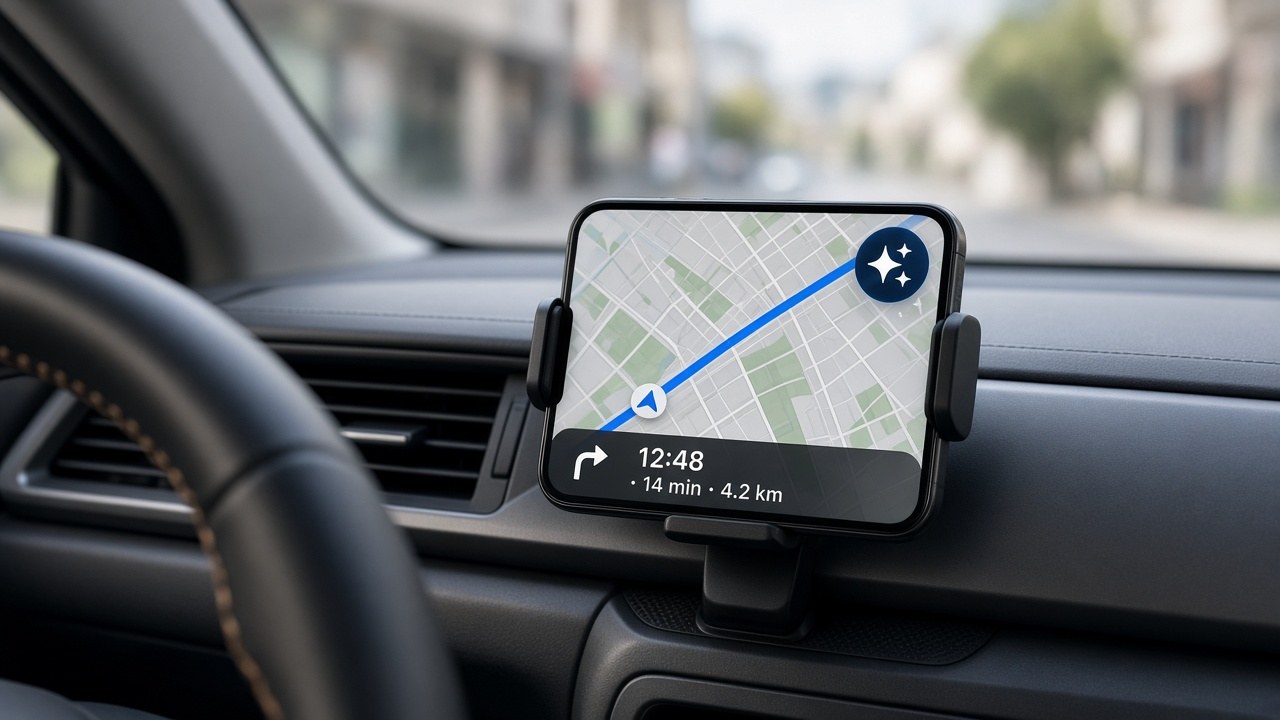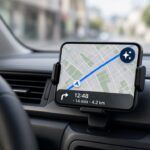
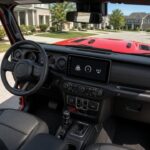



I park, turn the Jeep off, grab my stuff, and walk inside. Then I go to dictate a text on my iPhone 15 Pro Max and… nothing. Or worse, something, just badly, because my phone is still connected to CarPlay and is listening through the Jeep’s microphone. The Jeep is out in the driveway. I’m in the kitchen. Siri can’t hear me because Siri is sitting in the Jeep.
This is one of those problems where every piece is working exactly as designed, and the combined result is ridiculous.
The setup
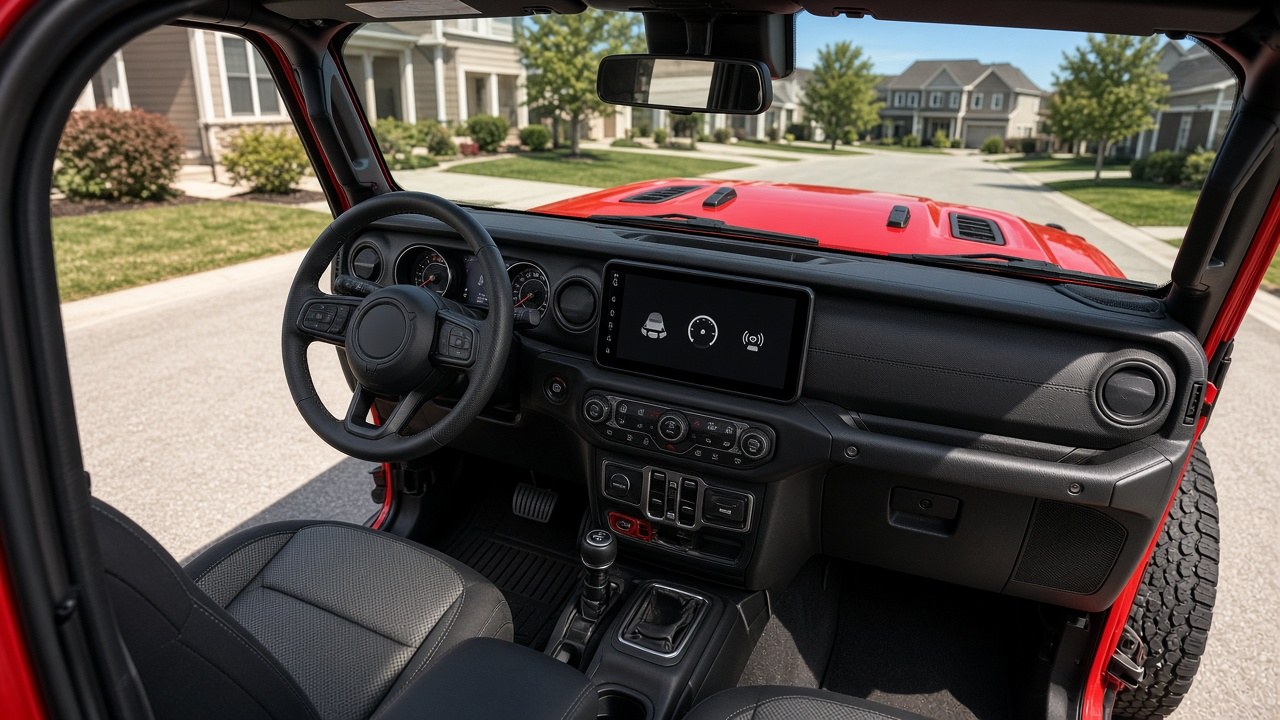
First, a detail that matters. My 2023 Wrangler’s Uconnect does CarPlay over a cable. Wireless CarPlay on most 2023 Wranglers comes from a little adapter plugged into the USB port, not from Jeep. People on the Wrangler forums found this out the same way I did, including one owner whose Jeep tech support rep insisted their 2023 had the newer Uconnect 5 with wireless CarPlay. It didn’t. (wranglerforum)
The adapter works great while I’m driving. The problem is what happens after I stop.
And it’s not one bad adapter. I’ve tried this with multiple wireless CarPlay adapters, and they all behave the same.
The Jeep doesn’t really turn off
The Wrangler’s USB ports stay powered after you shut the engine off. The manual says about 60 minutes. One owner on JLWranglerForums tested every USB port on two JLs and found they actually stayed on for about 65 to 75 minutes. (jlwranglerforums)
Then it gets better. Open any door and the timer starts over. If you have proximity entry, just touching a door handle starts it over. (jlwranglerforums) So if you go back out for the groceries, the dog leash, or the sunglasses you left on the dash, you’ve bought yourself another hour of a wide-awake CarPlay adapter. From where I’m standing, “about an hour” works out to “all the time.”
The adapter makers don’t pretend otherwise. Carlinkit’s own support page says its dongle “does not have a power switch function” and “will remain on as long as there is power output from the car’s USB.” (carlinkit) Ottocast says the same thing about its adapter, and its official fix is to turn off your phone’s Wi-Fi and Bluetooth or unplug the device. (ottocast)
Why my phone’s mic isn’t working
When an iPhone is connected to CarPlay, it uses the car’s microphone for Siri and voice. That’s what you want at 70 mph. It’s not what you want from your couch. (macrumors)
So the phone sees a powered-up CarPlay adapter nearby, stays connected, and routes my voice to a microphone that’s 40 feet away, behind a wall, inside a parked Jeep.
I’m not the only one
The Wrangler forums are full of this:
- One owner parks near his office window and says that because the USB ports stay powered for nearly an hour, incoming calls jump to CarPlay and he has to switch them back to the phone. Another says his calls get routed to CarPlay just walking around the house or the garage. (jlwranglerforums)
- Another owner has been on business calls where he was talking and talking while the other person’s audio played inside the Jeep, where he couldn’t hear it. He called Uconnect support. Their answer: turn off Bluetooth when you get out, and there’s “no way to disable” it. (jlwranglerforums)
- Someone else realized YouTube had no sound on his phone because it was still playing to the adapter in the Jeep. (jlwranglerforums)
To be fair, not everyone sees it. In the same threads, other owners say their phone drops CarPlay as soon as the radio turns off, powered USB or not. That probably depends on the adapter, the firmware, and how close you park. Mine is close.
What I already tried
The usual advice is to change the radio-off delay or turn off “Allow CarPlay While Locked.” My Jeep doesn’t have a radio-off delay setting I can find. My iPhone’s CarPlay settings for the adapter don’t have an “Allow CarPlay While Locked” switch either.
Can you reprogram the USB timer? Longtime forum members say no Uconnect setting or programming tool changes it. They tested this on several JLs and a Gladiator. (jlwranglerforums, jlwranglerforums) One owner spotted a “USB Connection Presence” option in JScan but never tried it. (jlwranglerforums) I haven’t found anyone who has confirmed it changes anything.
What actually works
There’s no setting, so every fix I found is a workaround:
- Cut the adapter’s power. This is what most Wrangler owners land on. Put an inline USB cable with an on/off switch between the port and the adapter, and click it off when you get out. (jlwranglerforums) It works every time. It’s also one more thing to remember, which kind of defeats the point of wireless.
- Power the adapter from the 12V outlet. One owner found a splitter cable that runs data from the dash USB port and power from the 12V outlet, which shuts off when the vehicle does. When the Jeep turns off, the adapter turns off too, and “now I don’t care how long after I shut the car off the usb ports are still powered.” (jlwranglerforums) This is the closest thing to a real fix.
- Make the phone let go. Ottocast’s official advice is to turn off Wi-Fi and Bluetooth on the phone. (ottocast) You can automate that with a Shortcuts personal automation. One MacRumors user made a Home Focus that turns on when he arrives home, then has it run a shortcut that turns Wi-Fi off and back on. That kicks the phone off the adapter’s Wi-Fi. (macrumors) Shortcuts also has a “CarPlay Disconnects” trigger, but if the phone never thinks CarPlay disconnected, it won’t fire.
- Check the adapter’s own settings. Carlinkit adapters have an Auto Connect on/off switch in their settings page. (carlinkit) Turning it off probably also means connecting by hand when you get in. Jeep owners with the AAWireless Android Auto adapter say its app has a setting that disconnects the phone once Uconnect shuts down, and it works. (jlwranglerforums)
What I’m trying
I’m going with option 1. I ordered a 5.9-inch USB-A extension with an on/off switch that also passes data, so it can sit between the Jeep’s USB port and the adapter almost like a dongle. I’ll update this post once I’ve tested it.
Bottom line
The Jeep keeps its USB ports alive for an hour, and touching a door gives it another hour. The CarPlay adapter has no off switch. The iPhone uses whatever microphone CarPlay hands it. Every company involved can point at someone else, and Uconnect’s official answer is to turn off your Bluetooth.
Jeep, a “USB power off with ignition” toggle in Uconnect settings would fix this for everyone. Until then, the fix for my expensive Wrangler is a cable with a little on/off switch on it.