








These days I use Grok Bot more than any other assistant. I still like having Gemini around, especially when I’m already in Google Maps.
What I don’t like is Apple’s official path to a different assistant. If I want ChatGPT from the system assistant on my iPhone, I have to go through Siri first. Siri, then ChatGPT. I call them double agents. It’s kind of a pain.
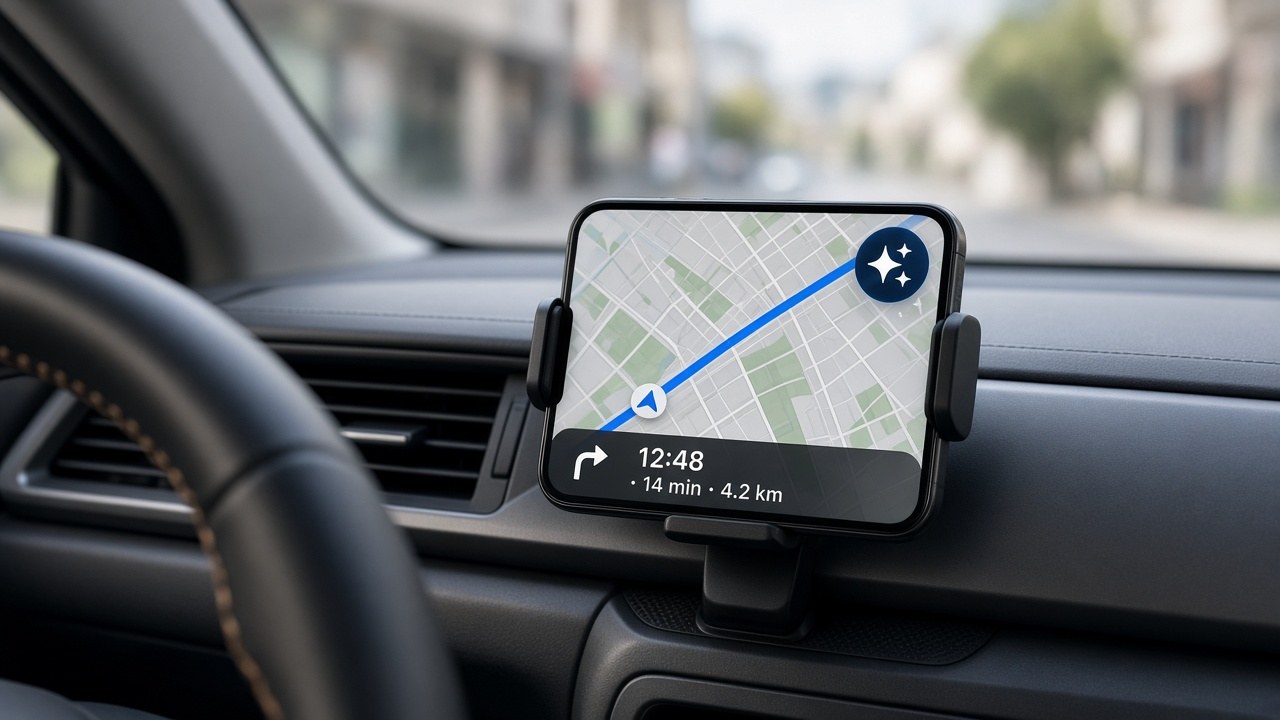
Google’s workaround is a button in Maps. During navigation, you tap Gemini, or on the phone you can say “Hey Google,” and you’re talking to one assistant instead of two. That button is much faster than the double-agent routine for the same information.
What’s actually in Maps
On iPhone, once you’re navigating, the Gemini icon is there in the navigation screen. Google’s help pages say you can ask it to add a stop, avoid tolls, tell you when you’ll arrive, find a place along the route, or report traffic. You can also ask about a place, like when it closes or what’s popular on the menu.
That showed up for driving directions last year, and then for walking and cycling on iPhone wherever Gemini is available. (9to5Google)
In October, Google said the same button is coming to Google Maps navigation on CarPlay. You start a route, then tap the Gemini icon on the car display. The launch coverage said it was available in the U.S. first, with a global rollout underway. (9to5Google) That’s the version that matters in my Jeep, which does wireless CarPlay.
Google also started rolling out a standalone Gemini app on CarPlay in November. Different button, same idea: talk to Gemini without asking Siri first. (Google)
Why the button is there
On a U.S. iPhone, the system assistant is still Siri. Hold the side button, you get Siri. There isn’t a setting that lets me make Gemini, Grok, or ChatGPT the default.
Apple will let Siri hand a question to ChatGPT, if you’ve turned that extension on. Apple’s own examples start with “Hey Siri, ask ChatGPT…” That’s the official hook, and it’s ChatGPT, not a picker for the assistant I actually use. If you’re on Siri AI, you have to ask for ChatGPT before the request even goes out.
So the “Apple way” of getting a non-Siri answer is to talk to Siri so Siri can talk to ChatGPT. Two assistants, for a question I could have just asked.
Google can’t replace Siri on my phone. What it can do is put Gemini inside an app I already have open on the dash.
Bottom line
I use Grok Bot most of the time. I like having Gemini too. I just don’t want to go through two assistants to ask one question, not when a button in Maps will do.
Apple can keep the side button. Google put the shortcut in the map.