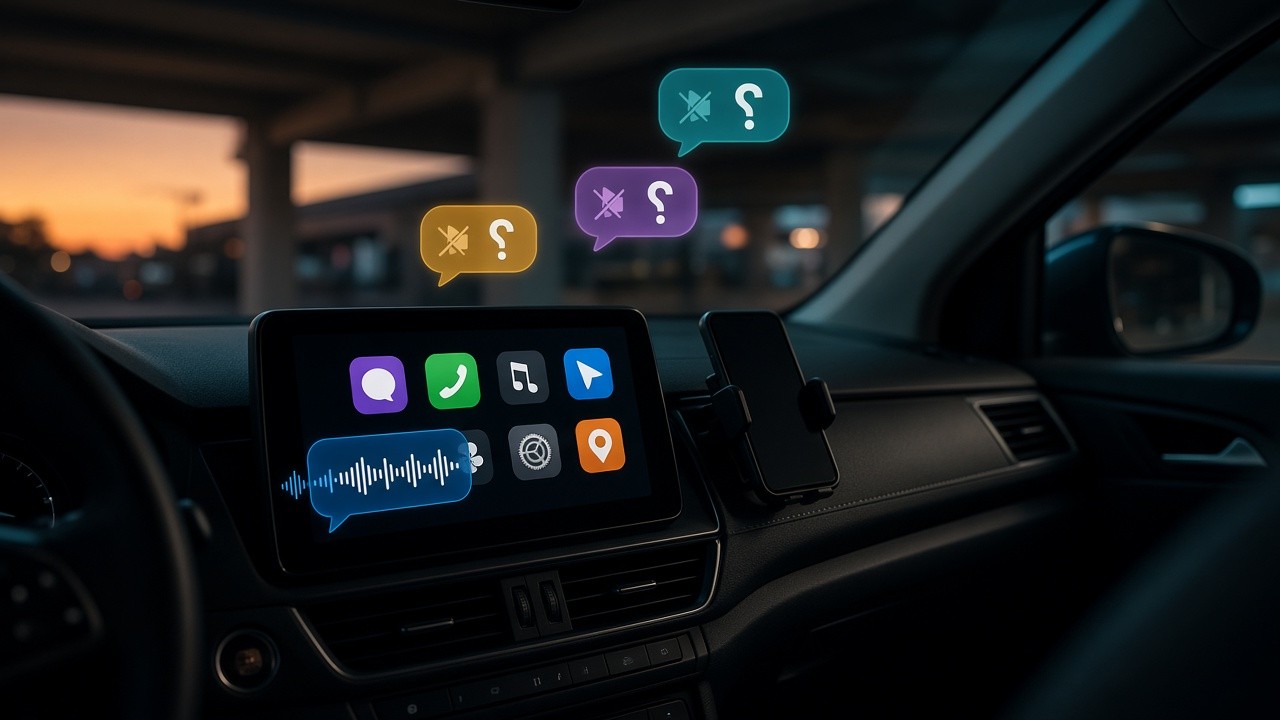





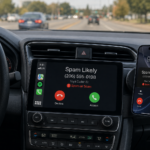
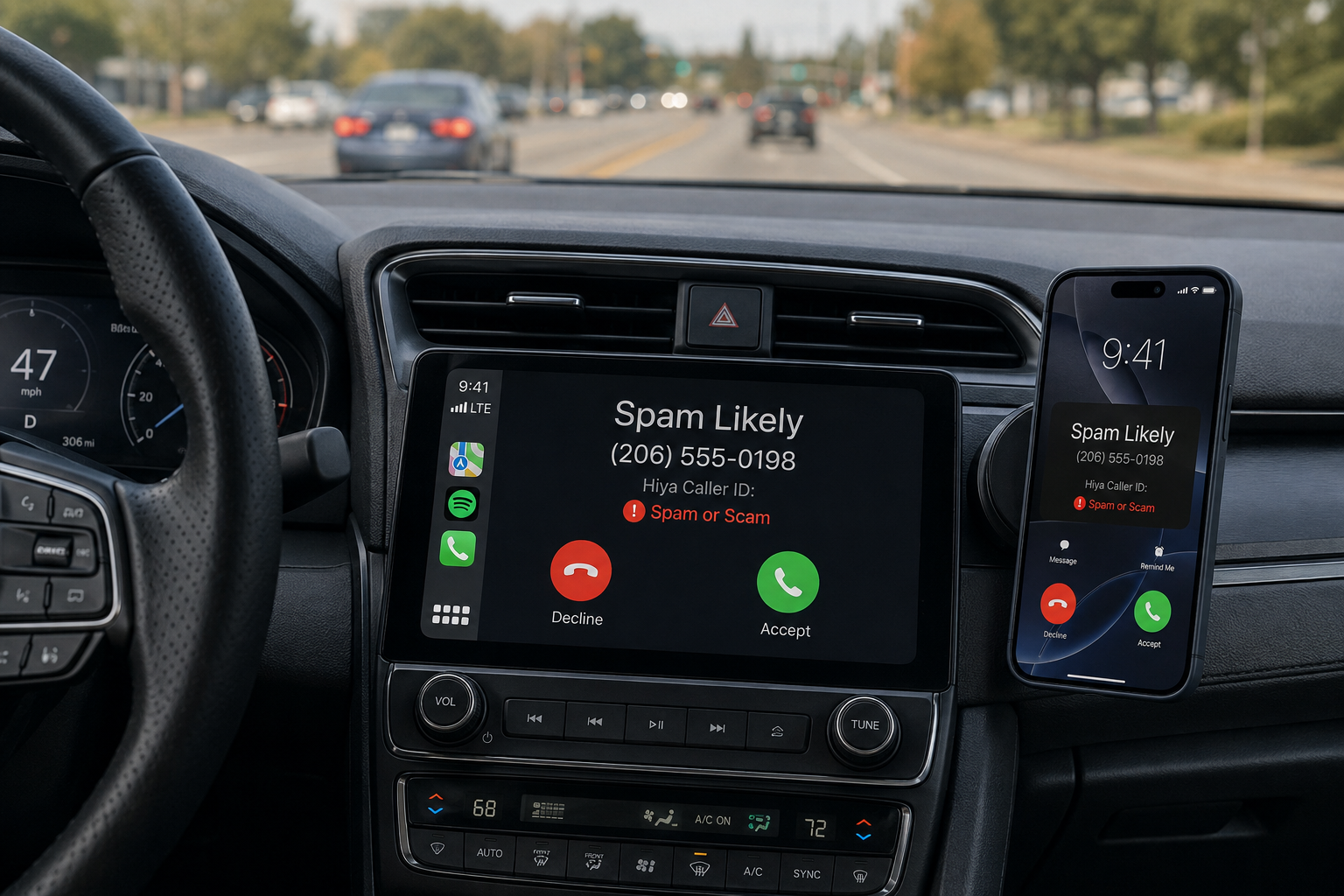
If you’ve ever been cruising down I-95 with Maps up on your CarPlay screen and had a call from “Extended Warranty Services” blast through your car speakers at full volume — in front of your boss, your kids, or your in-laws — you already know the punchline of this post. iOS’s call and text screening features, the ones Apple has spent the last several OS cycles polishing, functionally stop working the moment you plug into CarPlay. And no, you’re not imagining it.
What’s supposed to happen
On a bare iPhone, Apple gives you a genuinely solid stack of anti-annoyance tools:
- Screen Unknown Callers — ask unrecognized numbers to state their business before your phone even rings
- Silence Unknown Callers — send anything not in your contacts straight to voicemail
- Call Filtering / Unknown Callers list — quietly bucket spam-adjacent calls out of your Recents
- Screen unknown senders for text messages — keep un-vetted numbers out of your main Messages list
- Focus modes (Driving Focus especially) — let only specific people through while you’re behind the wheel
- iOS 26 even added a proper Call Screening feature that puts a Siri-style operator between you and any unrecognized caller, transcribing their answer before you decide whether to pick up.
On paper, that’s a lot of screening. It’s also, on paper, exactly the kind of thing you’d want active while driving — fewer distractions, fewer scam calls demanding your attention at 65 mph.
What actually happens the second you connect to CarPlay
Plug in, and a chunk of that stack quietly stops applying. This isn’t a bug report from one confused user — it’s a pattern Apple’s own support forums are full of, across iOS versions, phone models, and car brands. The recurring complaints are strikingly consistent: calls from numbers people have deliberately set Do Not Disturb or Driving Focus to block still ring straight through the car’s speakers once CarPlay is active. People report it happening with Focus set to “allow no one,” with Silence Unknown Callers turned on, even as a passenger with the phone nowhere near their hands.
Apple’s own support documentation backs this up, at least partially, without quite admitting it’s a screening failure. Buried in troubleshooting guidance about CarPlay notifications is a genuinely wild admission: calls repeated from the same number within three minutes will ring through regardless of your Focus settings, because Apple built that in as a safety override — the logic being that a persistent caller might be trying to reach you about an emergency. That’s a defensible feature in isolation. It’s also a built-in bypass that any spam operation running an auto-dialer will trip by accident, and it stacks with the fact that CarPlay’s calling behavior generally overrides Focus in the first place, not just for repeat callers.
Text messages have a parallel problem, just quieter (literally). “Announce Notifications” is the CarPlay feature that has Siri read incoming texts aloud through your car speakers. It’s genuinely useful for hands-free driving. It is also not obviously gated by the same “unknown senders” filtering that Messages uses on your phone and Mac — the screening categories designed to keep randos out of your notifications weren’t built with “read aloud to everyone in the car” as a use case, and the settings that control it live in a completely different menu (Siri & Search → Announce Notifications) than the ones that control message screening (Messages settings). Two systems, two settings panels, no indication to the average user that connecting one to CarPlay quietly detours around the other.
So — did anyone test this?
This is really the interesting question, because the failure mode is so obvious that it’s hard to believe it shipped without anyone at Apple noticing. A few things are worth separating out:
It’s not exactly untested — it’s a deliberate tradeoff, poorly disclosed. The “repeat caller override” language in Apple’s own documentation shows this isn’t an oversight so much as a decision: Apple decided ringing through is safer than silence, in case of emergency, and didn’t fully think through — or didn’t clearly communicate — how that interacts with spam callers and with a car full of people who aren’t the one who set the Focus mode. That’s a real design choice, not a QA miss. Whether it’s the right choice is a fair thing to argue about, especially now that robocallers can and do redial within minutes as standard practice.
The screening/CarPlay interaction, specifically, does look under-tested. The complaints aren’t “this is annoying but I understand why” — they’re “I have Focus set to allow literally no one and calls come through anyway,” including from people who aren’t driving, aren’t near the phone, or are sitting in a parked car. That’s a broader claim than “safety override for repeat callers,” and it points at CarPlay’s calling path not fully inheriting the newer screening layers (Silence Unknown Callers, Call Screening) that were added to iOS more recently. It has the feel of two Apple teams — the Phone/Messages screening team and the CarPlay integration team — building against slightly different assumptions about what “screened” means, and nobody running the specific test case of “user has aggressive screening on AND is connected to CarPlay AND gets a spam call.”
Nobody’s publishing a rigorous before/after comparison. Search around and what you’ll find is years of forum threads and workaround blog posts, not a controlled test matrix from Apple, a security researcher, or a tech outlet methodically checking each screening feature against each CarPlay call/message path across iOS versions. Which is a little bit wild given how load-bearing “please don’t blast my spam calls through my car speakers in front of my coworkers” is for a lot of people’s actual daily use of their phone. It’s the kind of gap that’s obvious to anyone who’s lived it and apparently invisible to whoever owns the test plan.
The practical fallout
Until (unless) Apple unifies these systems, the workarounds people have landed on are mostly damage control rather than fixes:
- Turning off Announce Notifications entirely and relying on manual “Hey Siri, read my messages” kills the ambient-reading risk but also kills the hands-free convenience that’s the entire point of the feature.
- Some cars let you set per-vehicle CarPlay notification settings (Settings → General → CarPlay → your car), which at least lets you lock down a rideshare or work vehicle differently from your own.
- Blocking a specific number is the only way anyone’s found to actually stop the three-minute repeat-call override, since Focus settings alone won’t do it.
- None of this touches the “screening for unknown callers just doesn’t consistently carry over to CarPlay” reports — there, people are mostly just living with it.
The bigger point stands regardless of the workarounds: a feature set that Apple markets heavily as privacy- and sanity-preserving effectively downgrades itself the moment you do the single most common thing people do with their phone in a car. That’s not a hypothetical edge case. That’s daily use for anyone who drives with CarPlay connected — which, per Apple’s own numbers over the years, is most CarPlay owners, most of the time they’re in the car.
If you’ve hit this and want it fixed, the closest thing to a lever any of us have is Apple’s own feedback tool. Worth using it — the forum threads suggest a lot of people have quietly given up and just accepted spam calls narrating themselves through their car speakers, which is a strange thing to have normalized.