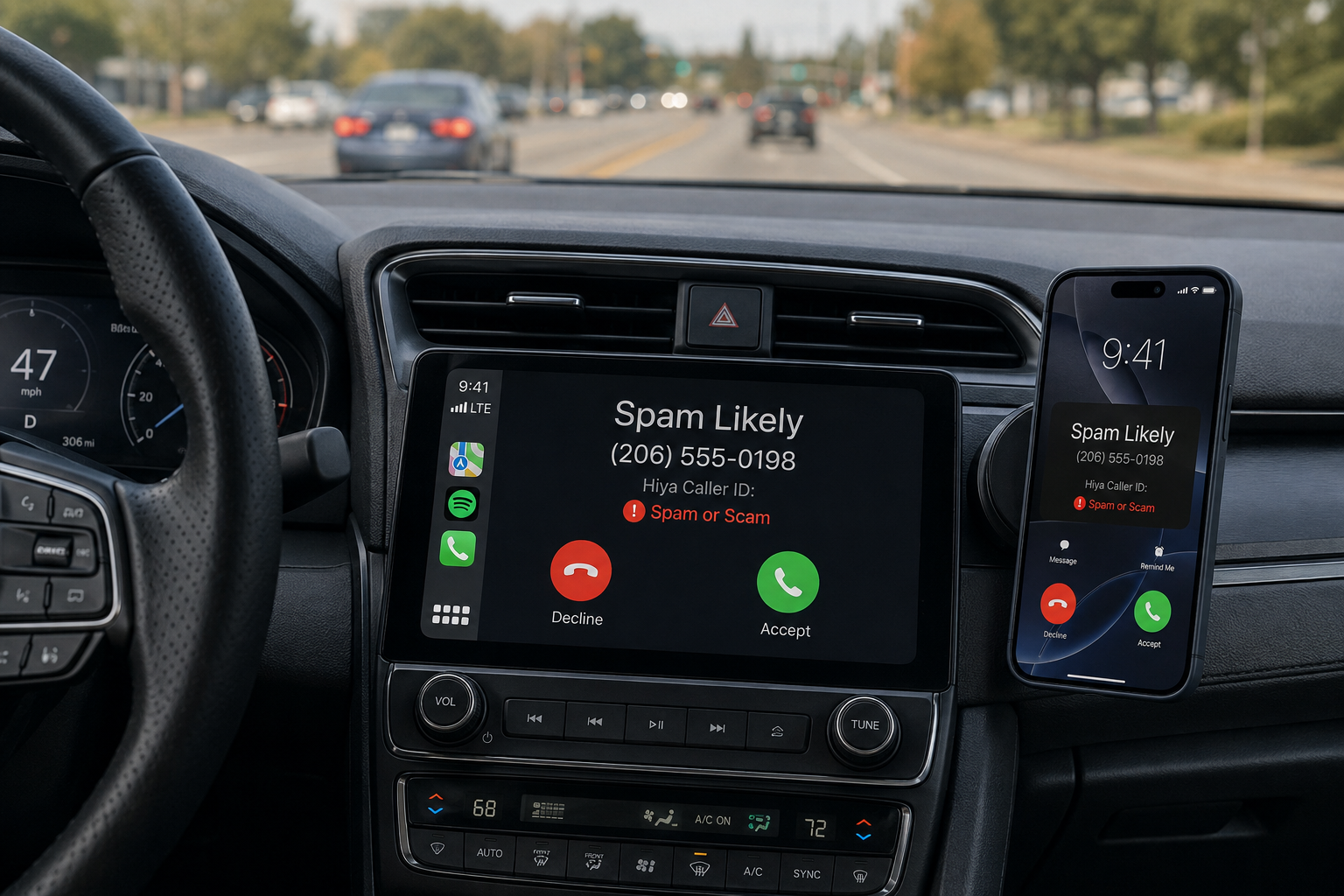





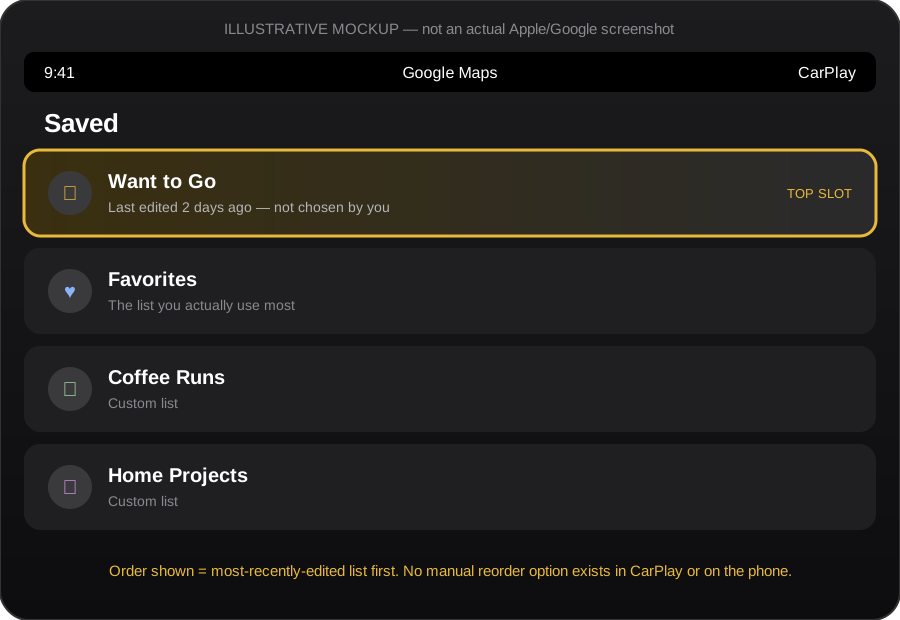
Every time I get in my Jeep, connect to CarPlay, and tap “Saved” in Google Maps, I’m greeted by the same small, needless annoyance: my lists are never where I left them. “Favorites” — the list I actually use on every drive — is buried under “Want to Go,” “Coffee Runs,” or whatever list I happened to touch last on my phone three days ago.
(Mockup below — not an actual screenshot — illustrating the issue: the list shown first isn’t the one you chose, it’s just whichever one you edited most recently.)
[See: carplay-saved-lists-mockup.svg]
The actual problem
Google Maps lets you reorder the places inside a single list. Fine — that’s been possible for years: open a list, flip on “Customize list order,” drag the items around. Useful, but almost beside the point.
What it does not let you do, in 2026, on any platform — phone, desktop, or CarPlay — is reorder the lists themselves. Favorites, Want to Go, and every custom list you’ve built are sorted by one invisible rule: whichever list you most recently added or removed a place from jumps to the top. Not alphabetical. Not by frequency of use. Not by anything you actually control.
This isn’t a CarPlay-specific bug — CarPlay is just mirroring whatever mess is happening on your phone. But it’s most painful behind the wheel, which is exactly the situation where you shouldn’t be hunting through a stack of lists to find the one you need.
Why this is worse in a car
On a phone, an unpredictable list order is mildly irritating. You can scroll, you can search, you have time. In a car, glancing down at a touchscreen to scroll past three lists you don’t care about just to reach the one you do is the kind of friction that driving-safety guidelines are supposed to be designed against. Google has spent years talking about reducing driver distraction, and yet the most basic organizational feature of its own Saved Places system works against that goal by default.
The part that’s hard to excuse
This isn’t an obscure edge case. Search “reorder saved lists Google Maps” and you’ll find years of forum threads from frustrated users asking for exactly this — some going back to 2022 and earlier. Google’s own support forums confirm there’s no way to pin a list’s position; a moderator’s advice, essentially, has been to submit feedback and hope enough people ask.
Meanwhile, Google has shipped notes on saved places, photo customization for list items, and collaborative list sharing. Those are nice. None of them required solving the much smaller problem of “let me decide what order my lists appear in.” It’s a drag-to-reorder UI Google has already built — it exists inside a single list — just not applied one level up, to the lists themselves.
What I’d actually want
Nothing exotic:
- A manual “customize list order” toggle for the list overview screen — the same pattern Google already uses inside individual lists.
- That order to be respected consistently across phone, desktop, and CarPlay/Android Auto.
- Failing that, at minimum: sort options (alphabetical, most-used, manual) instead of “whatever I touched last.”
None of this is a technically hard problem. It’s a UI/product-prioritization decision, and for a feature this fundamental to how people actually use the product on the road, it’s a strange one to have left unaddressed for this long.
The workaround, for now
If you want a specific list to stay near the top, you have to keep it “recently touched” — add or remove a place from it periodically. It’s not a fix, it’s a hack that happens to exploit the sort behavior. If you’re similarly annoyed, the only lever that seems to move Google is feedback volume: in the app, go to Menu → Send Feedback, and say so.
If you’ve found an actual workaround, or Google has quietly shipped a fix for this since I wrote this post, I’d genuinely like to hear about it.